The summer reading survey is ready! Please fill it out…it helps us so much, and it’s quick. Promise!
Nortonville Public Library
Where everyone is welcome.
-
-
Don’t Miss This Week!
We have so much going on this week or our last week of summer reading!!
TUESDAY: 10am mermaid storytime!
1:30- The Exploration Place is coming from Wichita to teach us all about bioluminescence, marine life, and all kinds of cool stuff! Geared toward K-12 grades but younger kids can watch and then play or have adult help with the E.P. activities!

WEDNESDAY: 6:30 pm Library Board meeting, open to the public
THURSDAY: 3pm We’re making Pirate and Mermaid wands!

FRIDAY: THE BIG FINALE!
11am will be the Teen Grand Prize Auction. Get your bid sheets in if you can’t be there!
1pm is our Tie Dye Extravaganza, open to everyone! Come make a colorful tie-dye shirt to wear all year long.
4pm: We’re pulling names out of the ticket jars for the grand prizes, and we’ll have treats for everyone!
-
We now have an app!
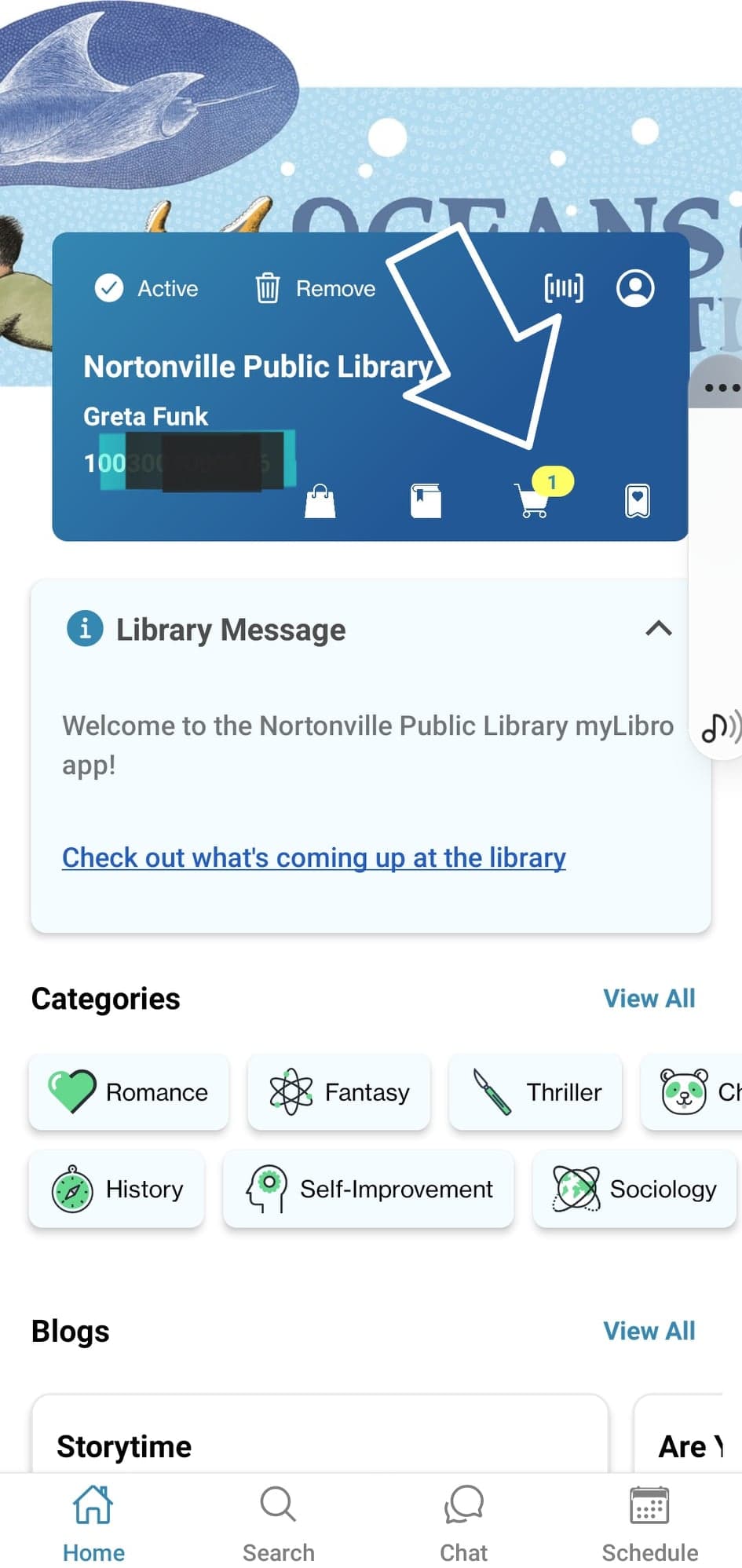
We’re super excited to introduce our brand new app, called myLibro. With the app, you can place holds, renew books, see the events from our webpage, view the posts from our Facebook page, and more!
Download “myLibro” from the Google Play Store or iOS App Store and choose Nortonville Public Library. All you need to login is your library card number and your library account password. If you don’t know either of those, send us a message on Facebook, email us at director@nortonvillelibrary.org, or give us a call at 913-886-2060.
On the home page of the app (see below), you can click on the shopping bag to see your holds ready to be picked up. Click on the book next to it to see your holds, and the shopping cart for items you have checked out.
Please spread the word about our new app!